How to organize desk cables and power supplies
Make connections easy to identify, reach, and change.
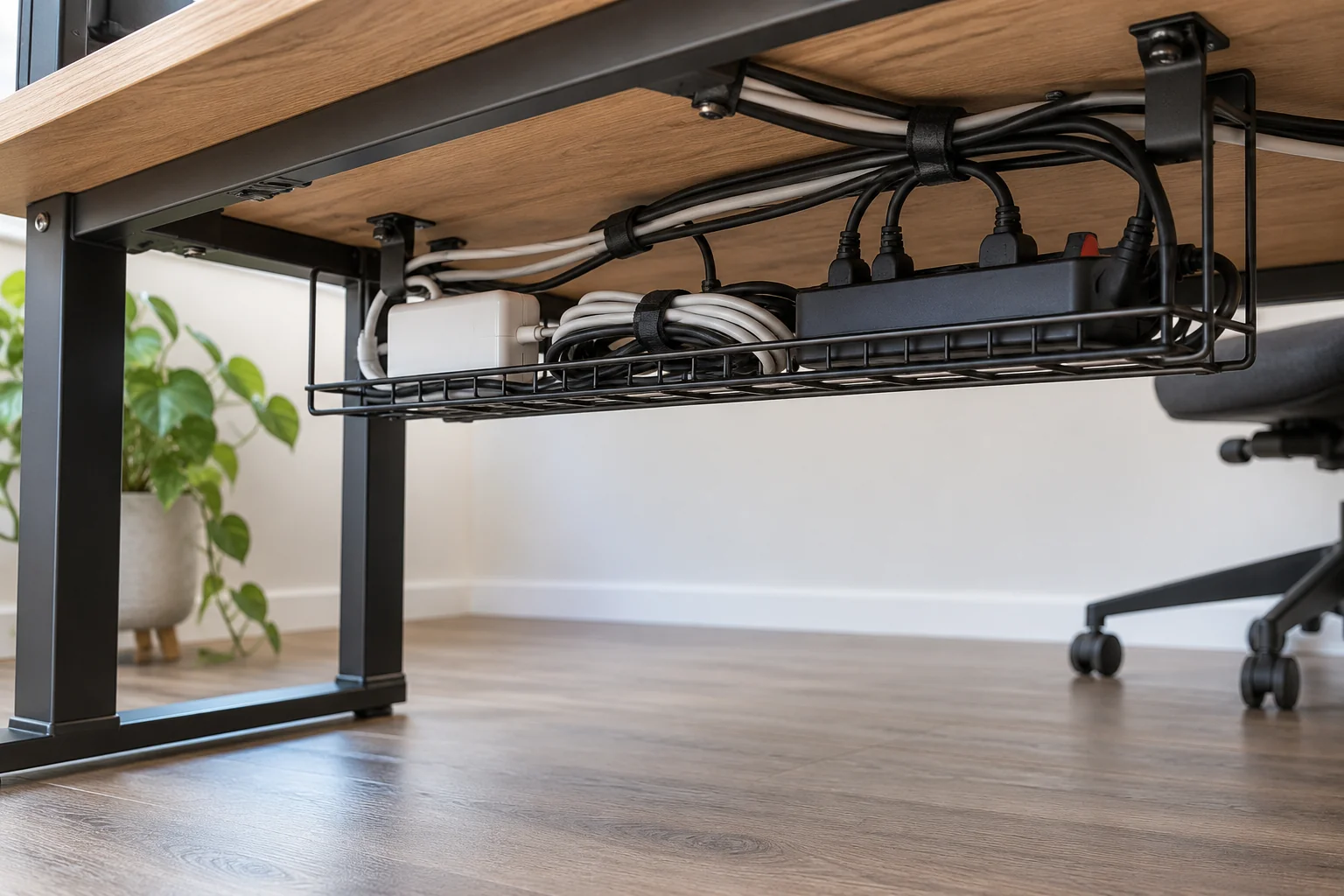
Cable management works best when it remains understandable six months later. A tightly wrapped bundle may look tidy on day one but become frustrating the next time you replace a charger. Start by identifying what every lead does, then choose a route that keeps the floor clear without hiding damaged connections or making plugs impossible to reach. The aim is an orderly working desk that can still be cleaned and maintained.
Remove the mystery leads
Photograph the current setup before disconnecting equipment, then identify each cable at both ends. Separate everyday connections from occasional chargers and cables for devices you no longer use. Label the leads that look alike with the device name, especially where they meet a hub. Keep spare cables in a separate container instead of leaving them attached as insurance. If you cannot identify a cable, trace it before removing it. This simple inventory often solves half the problem because the visible tangle includes leads that no longer have a job.
Plan a serviceable route
Choose a consistent path along the back or underside of the desk, using accessories appropriate for that surface. Leave enough movement for the chair, adjustable desk positions, and equipment that you lift or turn. Use reusable fasteners so a single cable can be changed without dismantling everything. Keep connection points accessible and follow equipment instructions for ventilation. CPSC advises against running extension cords under carpets and against using damaged or overloaded cords. If the layout requires a permanent new outlet, make that a separate job for a qualified electrician rather than concealing an improvised extension arrangement.
Separate daily charging from permanent equipment
Put the charger you use every day where you can reach it without searching behind the desk. A removable clip near the working edge can keep an unplugged end from falling to the floor. Store travel chargers in a small pouch with their matching accessories. After arranging the cables, move the desk and chair through their normal range and check that nothing pulls tight or catches. Add a photo of the finished connections to your project notes. That reference is far more useful during a future move than remembering which black plug belonged to the monitor.
Before you begin
- Photograph connections before changing them.
- Label similar leads at both ends.
- Remove unused cables from the desk.
- Test movement without pulling on connectors.
- Store a connection photo with the project.
A maintainable setup has fewer unnecessary cables, clear labels, and accessible connections. Spend on a tray or clips only after identifying the actual route and attachment surface; a large accessory kit rarely replaces that planning.
Plan your project with Remendia